

A walking cane's user weight capacity is the maximum user-weight specification published for that particular model. Your body weight should not exceed the current rating shown by the manufacturer. But that number alone does not tell you whether the cane is the right height, provides enough support, fits your hand, or remains in safe working condition.
Use capacity as one required screening check within a complete fit and product review. Never transfer a rating from a similar-looking cane, another variant, an old listing, or a different brand.
The seven checks at a glance
| Check | What to verify |
|---|---|
| 1. Exact model | Product name, model/SKU, and variant match the rating source |
| 2. Current capacity | Manufacturer's current user weight limit is at or above your body weight |
| 3. Height range | Your wrist-crease measurement falls within the model's adjustment range |
| 4. Support level | A cane—not a walker or crutches—matches professional guidance for your needs |
| 5. Handle and base | Grip and ground-contact design work for your hand and routine |
| 6. Locks and condition | Shaft, button, collar, joints, and tip/base are intact and secure |
| 7. Product instructions | Assembly, use, care, and replacement parts follow the exact manual |
1. Match the rating to the exact model and variant
Begin on the current manufacturer product page or manual. Confirm the full product name, model number or SKU, and variant before recording the capacity.
Similar photos are not enough. A family of products may include different bases, handles, electronics, materials, or dimensions. A marketplace title can also change while an older image or specification remains elsewhere online.
If the product page and manual disagree, pause and ask the manufacturer which document is current. Do not choose the larger number.
2. Keep your body weight within the published limit
If your body weight is above a model's published user weight capacity, do not use that model. Choose a product with a suitable current rating and confirm that its other dimensions and functions also fit.
Do not treat capacity as a target amount of force to place through the handle. A cane is a walking aid, and the amount of support a person needs varies. AAOS advises that someone with greater weakness or pain may need a walker, while Mayo Clinic recommends consulting a physical therapist or another healthcare professional if help choosing or fitting a cane is needed.
A higher number is not automatically a better cane. Extra capacity does not guarantee a comfortable grip, correct height, manageable product weight, adequate base placement, or the appropriate device category.
3. Check height range separately
A cane can have a suitable capacity and still be too short or too tall. With your usual walking shoes on, stand as upright as you comfortably can and let your arm hang naturally. The top of the handle should be around the wrist crease, with a slight bend at the elbow while holding the grip.
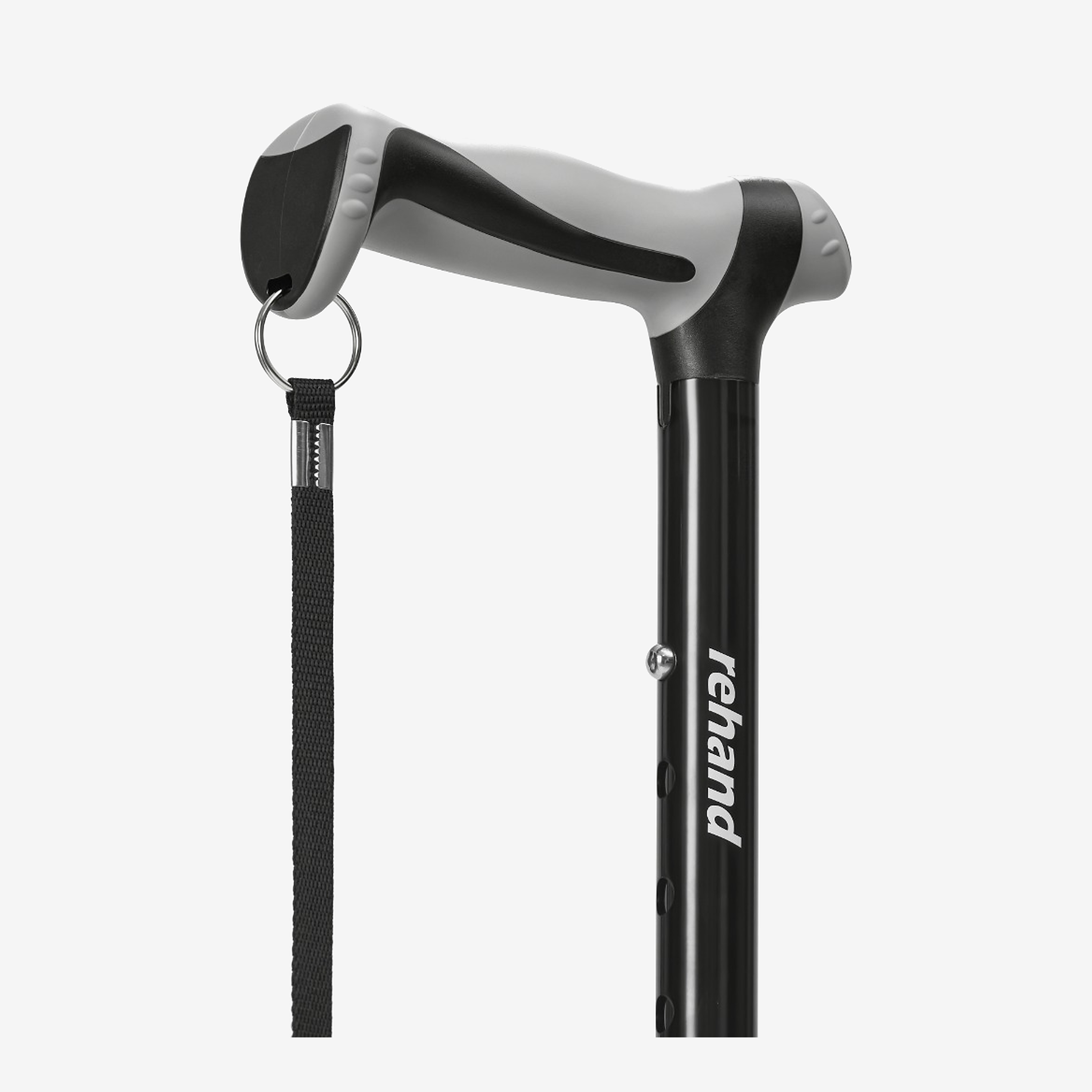
Compare that measurement with the exact model's adjustment range. For a push-button cane, use only defined adjustment holes; do not position the shaft between settings. Confirm the button is fully exposed through the selected hole and tighten the locking collar if present.
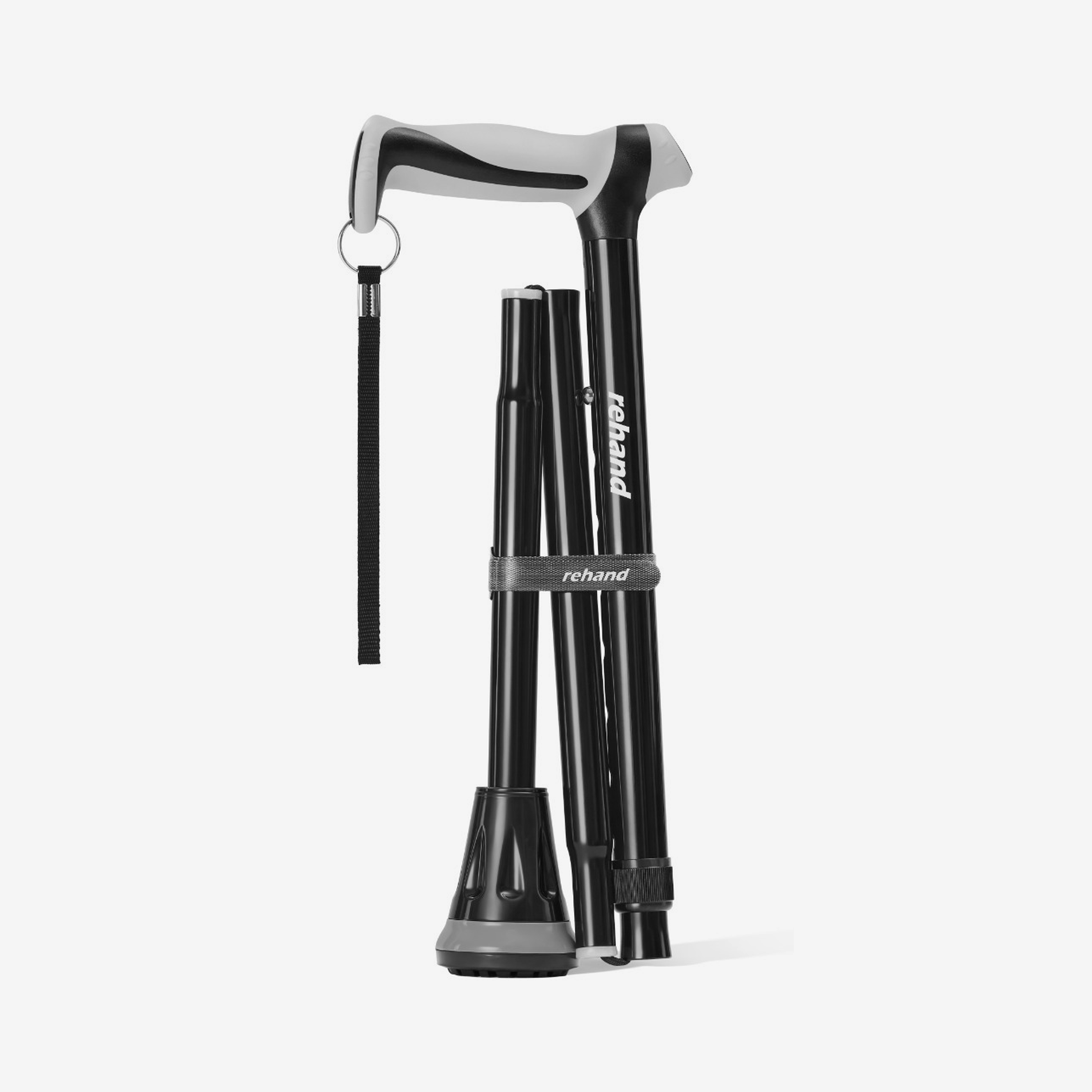
Rehand's RH1101 Foldable Walking Cane, for example, currently has eight defined settings from 31 to 38 inches. It should be described as eight-level adjustable—not stepless.
4. Confirm that a cane provides enough support
Capacity does not tell you whether a single-tip, self-standing, quad cane, walker, or crutches are appropriate. Those devices have different contact areas and movement patterns.
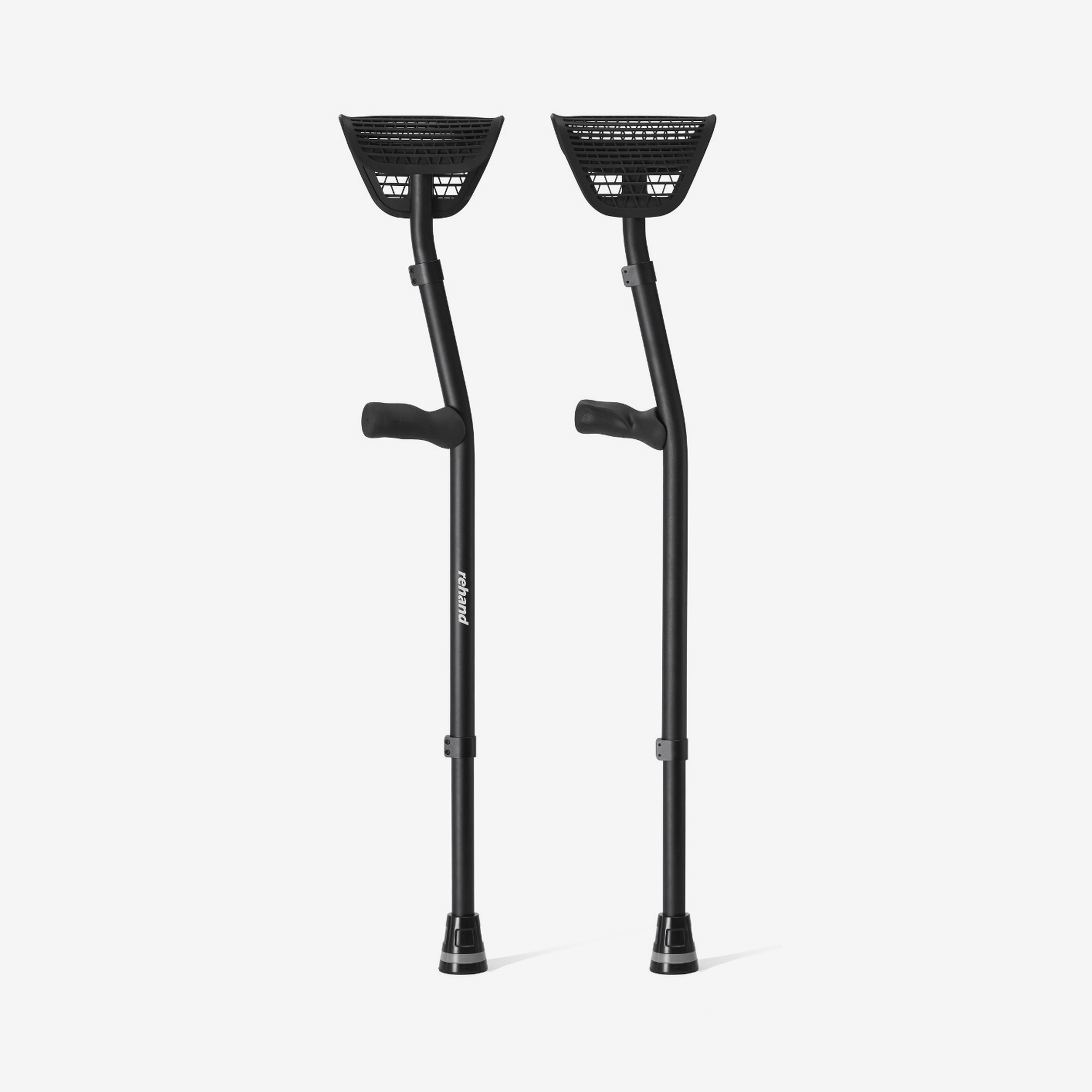
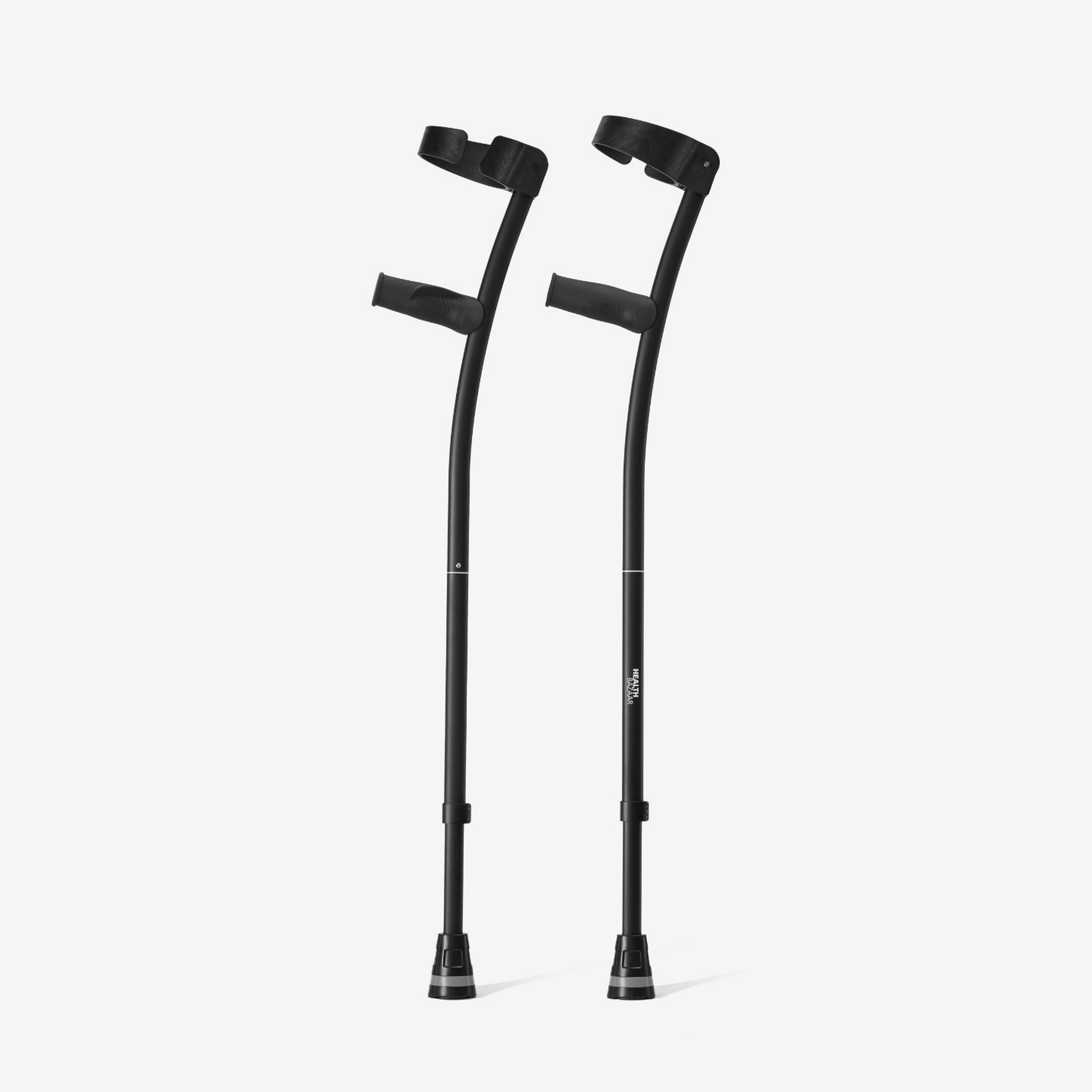
A broader cane base is not a substitute for an assessment when support needs have changed. Seek professional guidance if you are newly unable to bear weight as instructed, have repeated falls, new weakness or numbness, dizziness, significant pain, or restrictions after surgery.
Follow the clinician's device and weight-bearing instructions even when a product's published capacity appears sufficient.
5. Evaluate the complete design
After capacity and height, compare:
-
grip shape, width, material, and handedness;
-
product weight and how easily you can place the cane;
-
single-tip, pivot, self-standing, or quad base footprint;
-
folded size and joint design, if portable storage matters;
-
compatibility and availability of replacement tips or bases; and
-
any controls or secondary handles you must operate.
These features affect daily usability. None should be inferred from the capacity number.
6. Inspect condition and locking points
A rating applies to the model as designed, not to a product with a bent shaft, cracked handle, loose base, damaged folding cord, incomplete joint connection, or height button that will not lock.
Before use, check:
-
the handle is secure;
-
the shaft is straight and free of visible cracks or severe dents;
-
each folding section is fully seated;
-
the height button is fully engaged;
-
the locking collar is secure, if present; and
-
the tip or base is tight, clean, and not worn smooth or stiff.
Mayo Clinic specifically advises replacing a cane tip when its tread is worn or the material has become stiff. If structural damage is present, replacing only the tip is not enough.
7. Recheck after repair, part replacement, or a listing change
Use replacement parts intended for the exact model. A tip that happens to fit onto a shaft is not necessarily manufacturer-approved or equivalent to the original component.
After any repair or replacement, follow the manual and test the assembled cane with light pressure on a level surface before walking. If a product listing changes, confirm the specification on the actual item or current manual rather than assuming a new number applies to an older unit.
Current Rehand capacity examples
The following figures are model-specific examples from the current Rehand product map. Verify the live PDP again on publication day.
| Rehand model | Current published user weight capacity | Other fit facts to check |
|---|---|---|
| RH1101 Foldable Walking Cane | 350 lb / 160 kg | 8 levels, 31–38 in, 14 in folded |
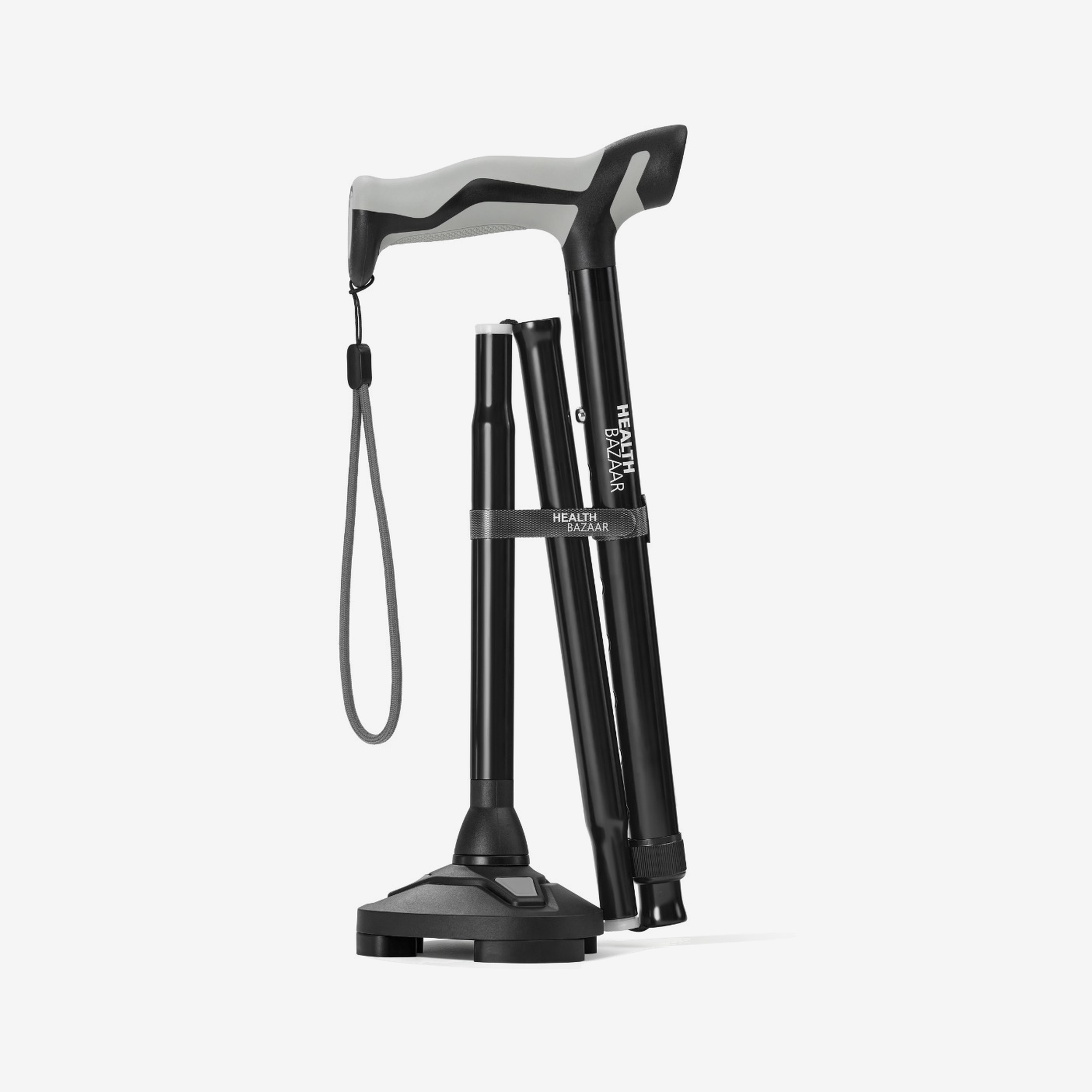
| RH1601 Self-Standing Walking Cane | 350 lb / 158 kg | 4-prong pivot base, 8 levels, 14 in folded |
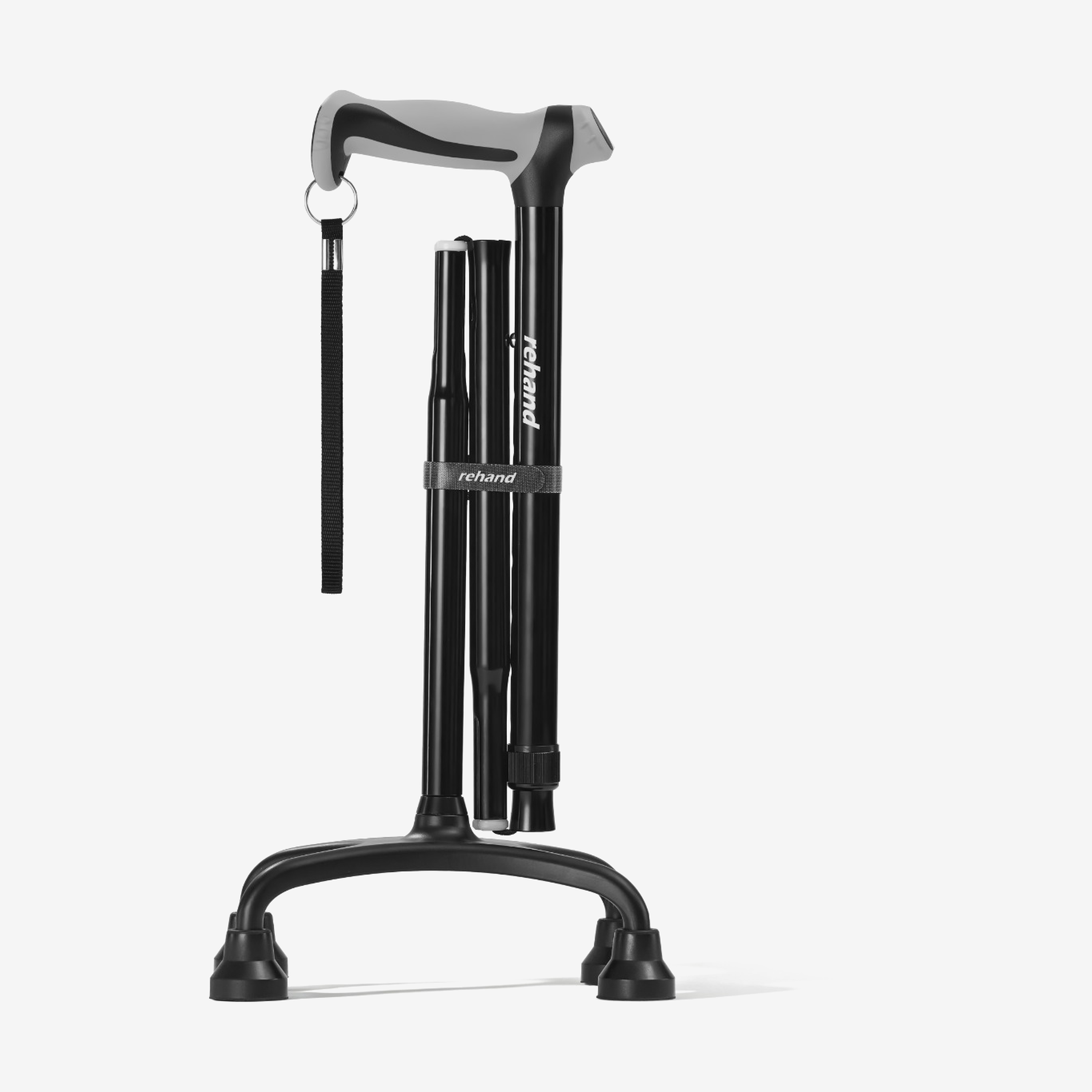
| RH1201/RH1701 Quad Cane | 350 lb / 160 kg | 4-prong base, 8 levels; handle variant matters |
| RH1901 Stand-Up Walking Cane | 350 lb | C-grip, 10 levels, 40–49 in |
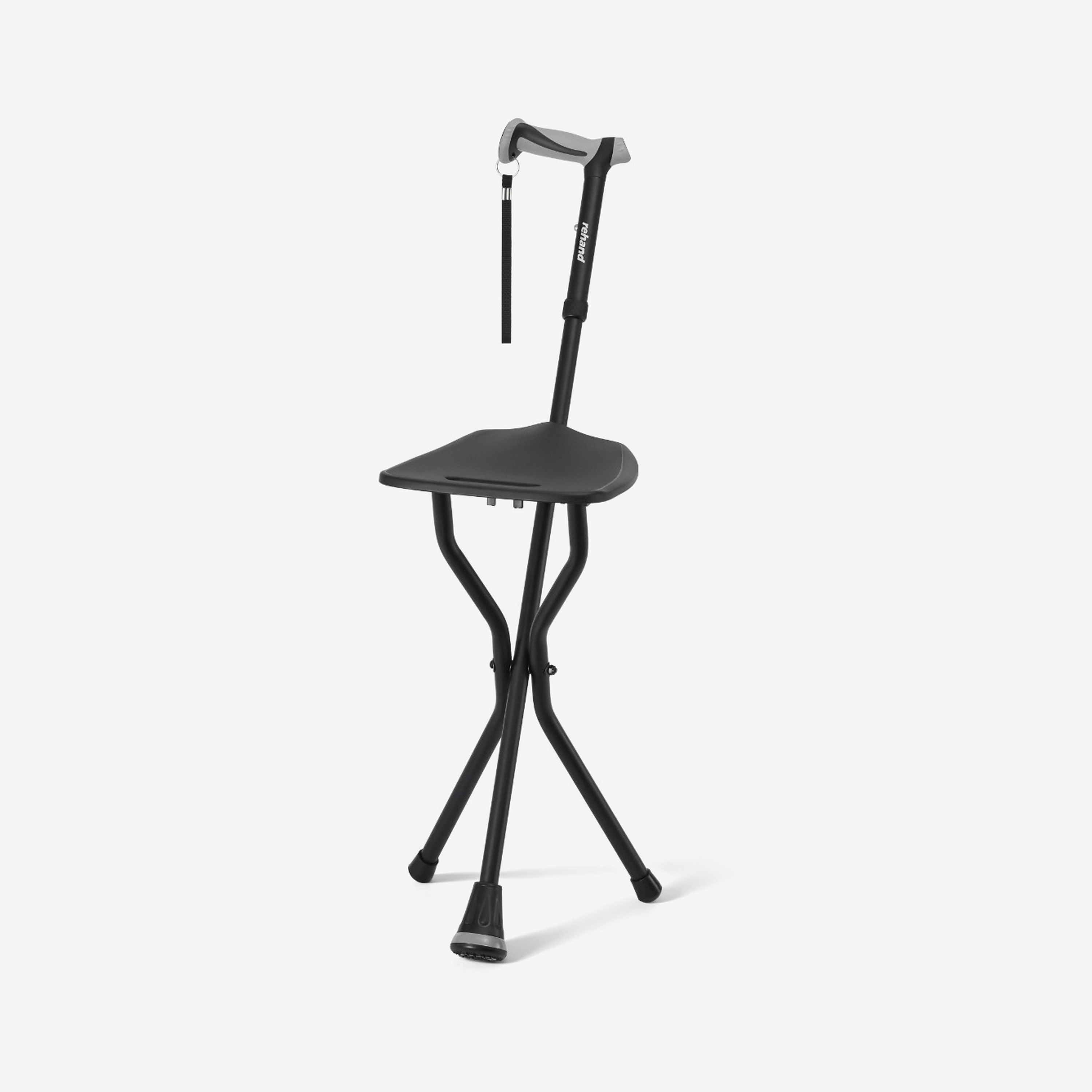
| RH1501 Walking Cane with Seat | 350 lb / 159 kg | 4 levels, seat dimensions and setup must also fit |
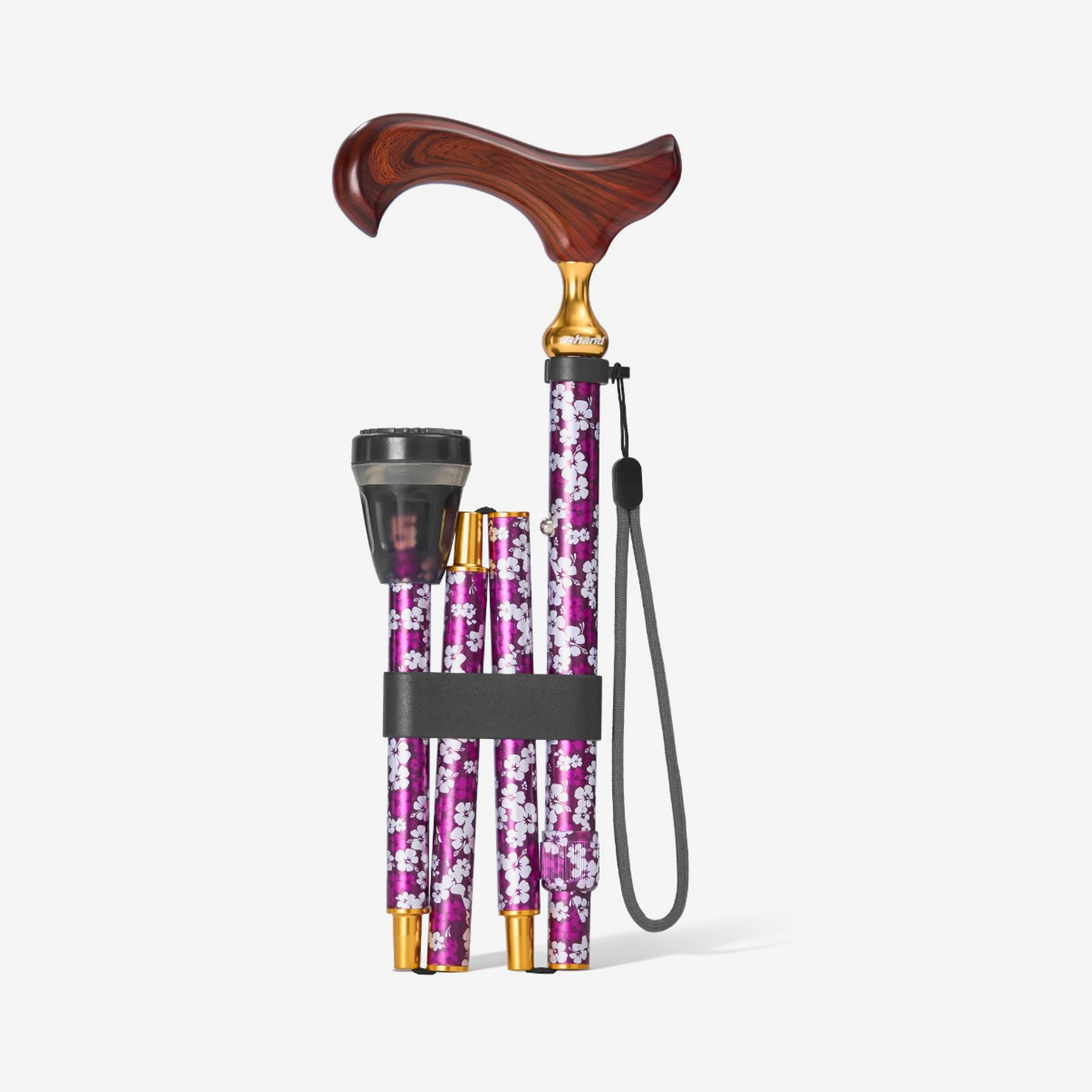
| RH1A02–RH1A05 Floral Walking Cane | 220 lb / 100 kg | Maple handle, 5 levels, 31–34.6 in |
Do not use this table as a substitute for the product page or manual. It shows why one brand-wide “Rehand cane capacity” would be inaccurate.
Common capacity mistakes
-
Copying a 350 lb rating to every cane sold by the same brand.
-
Confusing product weight with user weight capacity.
-
Assuming a larger base always has a higher capacity.
-
Ignoring the user's height because the capacity looks suitable.
-
Using an old marketplace answer instead of the current PDP/manual.
-
Continuing to use a cane with a failed lock because it is “under the limit.”
-
Treating a higher capacity as proof that a cane provides enough clinical support.
Use walking cane weight capacity as a required model-specific screening specification. Stay within the published limit, then separately verify height, support level, grip, base, locks, condition, and current instructions.
Ready to compare? Open Rehand's walking cane collection and verify the exact capacity and dimensions on the product page for the model and variant you plan to purchase.
Sources
-
Mayo Clinic — Tips for choosing and using canes, updated July 30, 2026; accessed September 8, 2026.
-
American Academy of Orthopaedic Surgeons — How To Use Crutches, Canes, and Walkers, accessed September 8, 2026.
-
Rehand — Walking Canes Collection, accessed September 8, 2026.
-
Current Rehand PDP specifications and product URL map, verified September 8, 2026.